


Businesses need webcams to conduct remote meetings and online conferences, but these devices can also pose a significant security risk if not properly protected. It's therefore important to be proactive in securing your webcam to prevent any potential breaches of confidentiality and sensitive information.
Windows webcam security: Essential tips to protect your online privacy

How to keep your SMB safe from cyberattacks
Cybersecurity is a constantly evolving field, and the threats that businesses face are becoming more sophisticated. One of the best ways to stay protected is to be aware of the most common ways that IT systems can be broken into. Here are five ways that your IT systems can be compromised/
You are duped into installing malware
There are many ways that malware can be installed on your computer without your knowledge or consent.
Why you should avoid password autofill
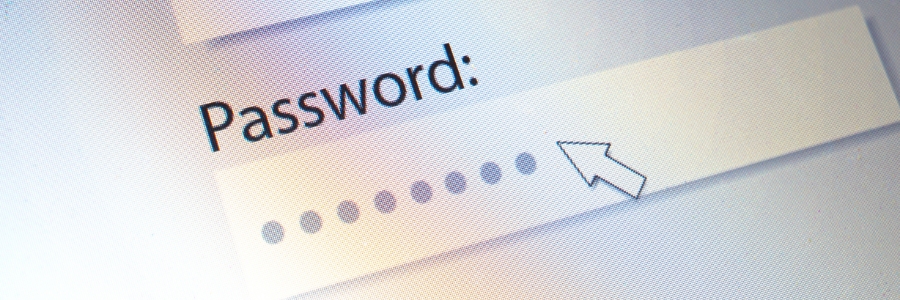
With all the different passwords you have to manage, it can be tempting to just let your browser store your passwords for convenience. However, this "convenience" can come at a cost: hackers easily accessing your accounts. If you've been considering using password autofill, it's important to understand the risks that come with it and why it should be avoided.
Improve internet security with VPN

Even if you're using a firewall and anti-malware software, hackers could still intercept data being sent to and from your device. So if you're not using a virtual private network (VPN) to browse the internet, you're leaving your business at risk of data theft.
Properly securing customers’ PHI

Cybercriminals continue to find ways to penetrate organizations and steal sensitive data. It is therefore critical that businesses take steps to secure their systems in order to protect customers’ protected health information (PHI). Read on to learn more about how you can keep PHI safe from cybercriminals.
HIPAA compliance guidelines for social media usage

Social media can be a powerful tool for healthcare organizations to spread awareness. But in using social media, these organizations must adhere to specific Health Insurance Portability and Accountability Act (HIPAA) compliance standards. In this blog post, we will discuss guidelines for HIPAA compliance regarding the use of social media.
Strengthen your Facebook and Twitter privacy with these tips

Hackers are always looking for new ways to gain access to people’s personal information. This is why it’s crucial to take steps to safeguard your social media accounts. In this blog post, we will discuss some of the best ways to protect your online privacy while using Facebook and Twitter.
Simplify logging in with Windows Hello

You can now log in faster and more securely to your Windows 10- or 11-powered device with Microsoft’s Windows Hello. This feature allows you to log in to your computer without having to enter a password. All you need is a fingerprint, iris, or facial scan, or a PIN code.
Disable these disruptive Windows 11 settings now

The Windows 11 operating system is growing in popularity among businesses. However, just like its predecessor, it can have some intrusive privacy settings enabled by default. Luckily, you can easily turn these settings off to protect your privacy.
Turn off personalized advertising
Windows 11 features targeted ads as suggestions, recommendations, and tips on your device’s user interface.
The risks of password autofill

Hackers may have found an effective way to track users using a web browser or password manager’s password autofill feature. Here’s how they do it and what you can do to protect yourself.
Why password autofill is so dangerous
Modern web browsers and password managers have a feature that enables usernames and passwords to be automatically entered into a web form.