


Managing business-level cybersecurity is no simple task. Tens of thousands of users are finding that out the hard way as they confront the issue head on in the wake of an international ransomware epidemic. Although many cybersecurity strategies require professional IT support, a great place to start is assessing the security of your web browser.
Choosing a web browser: Which one is safest?

Chrome 57 comes with some serious upgrades
More than half of all internet users browse the web with Google’s Chrome browser. So when a new version is released, that’s a pretty big deal. And even by Chrome standards, the most recent improvements make some big changes. Three upgrades stand out in particular.
Our 4 favorite web browsers

Internet browsers are a unique type of software. No two browsers share the same list of features and functions, and almost all of them are free. That means you have a lot of options when choosing which is right for you, and that decision isn’t always clear cut.
Hackers use browsers to get credit card info
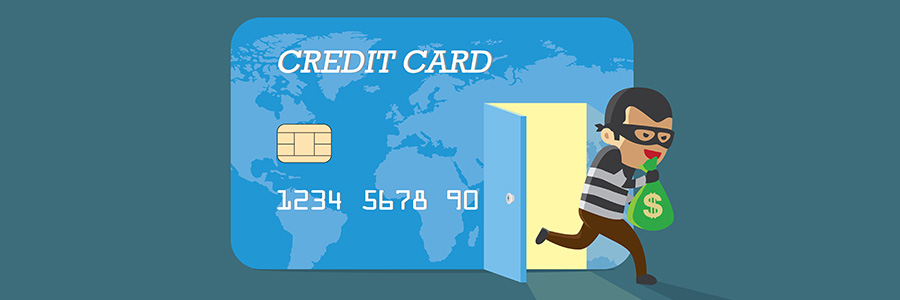
Does filling in web forms sap all your browsing energy? Do you find it especially taxing to shop or register online using a mobile device? Google’s Chrome alleviated this dilemma when it introduced the Autofill feature in 2011, which made filling in forms much faster and making credit card purchases online more convenient.
Google OKs HTML5 as the default in Chrome

Google is out to make the user's experience more secure and efficient with its recent announcement that it will disable Flash and implement an HTML5 default browsing protocol. This change won't be implemented all at once, but will start by changing the settings of 1% of Chrome users in December 2016 before eventually expanding that number over the next year.
The coolest Chrome feature no one knows about

Everything is wirelessly connected nowadays. If you can purchase a refrigerator that sends you a message when your vegetables are going bad, why can’t you stream the audio and video of your phone or desktop to your TV? It turns out you can, and Google just made it a whole lot easier.
Improve Chrome with these 6 extensions
Well over half of all surveyed internet users utilize Google’s Chrome web browser, and it’s not difficult to see why. The ability to customize your browser via third party apps, extensions and more makes surfing the web a truly personalized experience.