


Windows 11 has powerful productivity features that many users often overlook or underuse. In this blog, we highlight these features and discuss how they can improve your workflow and time management.
Snap Layouts
Snap Layouts lets you organize your workspace in new ways.
Mastering Windows 11 for work: 7 Tips to enhance productivity

Windows 10 and 11 keyboard shortcuts you need to know
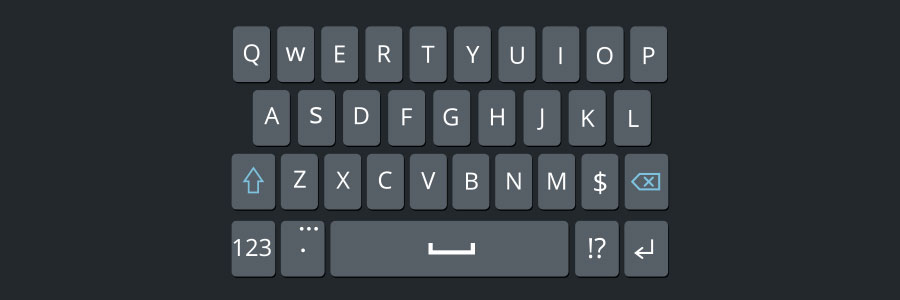
Using keyboard shortcuts activate computer commands faster than dragging a mouse. If you’re using Windows 10 or 11, you may want to try out the following keyboard shortcuts.
Snap
Snap allows you to put two to four windows side by side, making it easier to compare documents or do two things at the same time.
Cutting IT hardware costs with thin and zero clients

If you want to cut costs on IT hardware, don’t settle for cheap but old or low-quality machines. They’ll offer subpar performance, which will hurt your team’s productivity. What’s worse, they’ll break down often, too, which means the money you initially saved will go to repairs and upgrades.
Keyboard shortcuts you can use in Windows 10
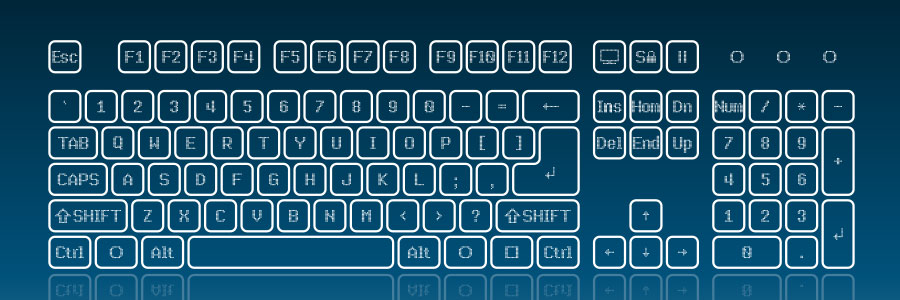
Technology makes work easier, and something as simple as keyboard shortcuts can save you a lot of time. If you have a Windows 10 computer, then you may find these keyboard shortcuts very handy.
Snap
If you’ve never used Snap, then you’re missing out on one of Windows 10’s key features.
Cut your IT costs by investing in thin and zero clients

Cutting costs is great for business, but only if doing so does not result in lower-quality products or services. You can achieve this kind of compromise in your IT system, too. Instead of investing in expensive computer hardware, you can opt for affordable but powerful thin and zero clients.
Save money with thin and zero clients

Businesses are always looking for ways to save a bundle without sacrificing growth. For a while, they believed that they had to buy workstations with their own processing power, RAM, and hard drive. But thanks to virtualization, companies can increase their revenue and get the computing processes they need with thin and zero clients.
Here are 5 types of virtualization

Companies of all sizes are embracing virtualization as a way to cut IT expenses, enhance security, and increase operational efficiency. But while people are already aware of its benefits, many are still in the dark when it comes to the different types of virtualization.
Get fat savings with thin and zero clients

When you have several cost-effective options like cloud computing and managed services providers, IT spending should never get out of control. And if you want to cut back even further, trade in your expensive desktops for thin and zero clients.
What are thin and zero clients?
Thin clients are stripped-down computers with minimum processing power and memory.
The pros and cons of vSpace Pro 10

One of the newest and potentially most innovative virtual desktop platforms for businesses is vSpace 10 Pro, which has recently been released. If you are considering transitioning your business over to this new business tool, you will first want to get to know some of the potential benefits and drawbacks of vSpace 10 Pro.