


Windows 11 may be optimized for modern devices, but even newer PCs can experience slowdowns. If your system feels sluggish, don't worry — there are simple adjustments you can make to boost performance.
Disable unnecessary startup programs
Many programs are set to launch automatically when Windows starts.
Give your Windows 11 PC a performance boost

How to select the ideal office Wi-Fi router

Fast and stable internet connectivity is essential for everything from emails and cloud-based applications to video conferencing and collaborative projects. To build a strong foundation for your office's digital ecosystem, it's crucial to choose the right Wi-Fi router.
4 Tips to boost your Windows 10 PC’s speed
New computers are anything but cheap. For this reason, just because your current Windows 10 computer is taking longer than normal to perform simple tasks doesn’t mean it’s time to buy a new one. Here are four tips to speed up your computer without spending a single dime:
Prevent programs from launching at startup
Windows makes certain programs readily available by loading them at startup.
10 ways to speed up your Wi-Fi
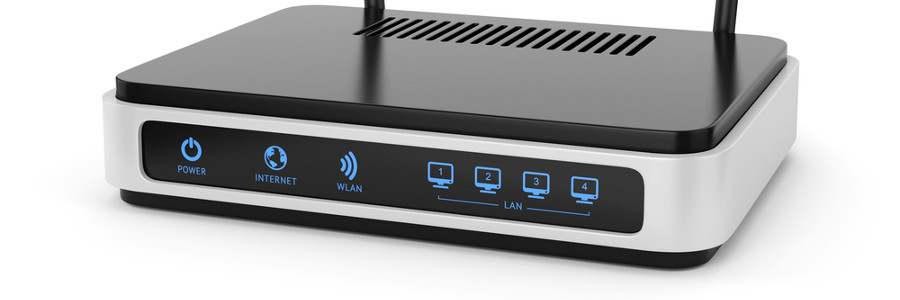
Much like unpredictable thunderstorms, internet problems relentlessly plague those wishing to get some work done or catch up on the latest movies. Instead of waiting for divine intervention, take it upon yourself to get rid of sluggish connections. Not only do these ten tips reduce frustration but they also help you speed up your Wi-Fi:
Router centralization and elevation
For optimal signal strength it is best to place the router in the middle of the room, away from other electronics without any doors or walls obstructing it either.
Tips to speed up your WordPress website

We’ve all experienced the frustration of a slow loading website. While ten years ago, you would just have to grin and bear it as a site loaded with all the urgency of a sloth, today’s Internet surfers are much more impatient. Most expect at least a three second load time, while some won’t settle for less than two.