


Windows 10 has a lot of special features that aim to improve your computing experience. Unfortunately, many of these may also slow your PC down, especially if your machine is older or has a low-end processor. We’ve listed four effective tweaks to make your Windows 10 computer faster.
Windows 10: Boost your PC’s performance with these tips
Save on electricity with these PC tips

When it comes to saving energy, every little effort goes a long way. The more energy-efficient your PC is, the more money you save. In fact, you can save up to $50 a year if you activate your PC’s power-saving feature. Further increase your savings by following these tips:
1. Unplug your computer when not in use
When you’re not using your computer, it’s best to shut it down and unplug it.
How Disk Cleanup can make your PC run faster

Receiving a notification that your computer is running out of disk space can be stressful — or even a real emergency if it happens while you're working on an urgent task. The good news is regularly cleaning out your PC can free up drive space and help it run faster.
What you can expect from the Windows 10 October 2020 Update
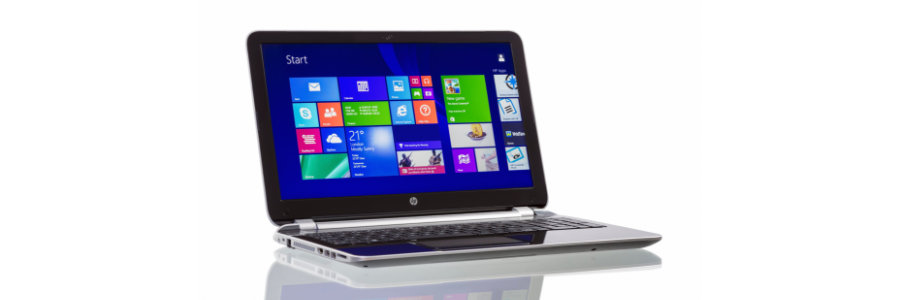
The Windows 10 October 2020 Update, or Windows 10 version 20H2, is rolling out to billions of users worldwide, offering a number of small but important improvements to your PC. Here are some of the features you can expect from the latest Windows 10 update.
5 Ways to optimize your new laptop

So you’ve just unboxed your brand new laptop — what do you do next? Before you start using it to surf the internet or finish your tasks for the day, take these steps to optimize its performance and ensure it meets your needs.
1. Update your laptop’s operating system
One of the first things you should do before using your laptop is to update its operating system (OS). Assuming you did not purchase the laptop when it was first released, it will still be running an older OS. Because important patches and fixes are released with each new update, you must install the latest ones to ensure your laptop doesn’t have vulnerabilities that malicious third parties can exploit.
A guide to disabling Windows 10’s invasive settings

Do you feel like your online activity is being spied on? That’s because it probably is — but not by cybercriminals as you might think. It’s more likely that it’s your operating system that’s doing the spying and giving away information about you.
5 Nifty uses for your old computers
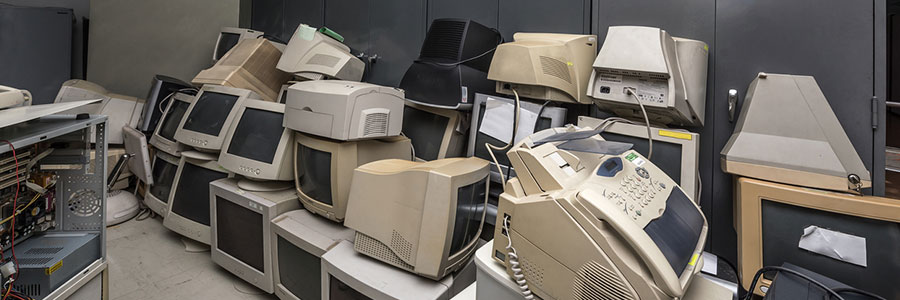
Don’t be so quick to dump that old computer! Despite being slow and clunky, your old desktop or laptop may still add value to your business. There are many uses for old PC hardware, and here are five of them.
Make a NAS server
Network-attached storage (NAS) is a server for your small business network that lets you store files that need to be shared with all the computers on the network.
Reduce your PC power consumption

There’s a computer in almost every home and office nowadays. A typical desktop that’s switched on 24/7 for a whole year releases carbon dioxide equivalent to what an average car releases in an 820-mile drive. To save energy, you don’t need to make drastic changes; you can start by making small adjustments that will ultimately lead to significant savings.
Enjoy an improved laptop experience

Did you just get the newest MacBook Pro? Or the Lenovo Yoga 920? Either would be very exciting, but before you start showing off your new purchase, there are five steps you should take to make your laptop experience even more enjoyable and long-lasting.
Make the most out of old PCs
If your PC has been struggling to perform all the tasks you have at hand, we completely understand why you would be itching for a new one, or even if you’ve already replaced it with the latest model. But even if it’s old, sluggish, and always crashing, your old desktop or laptop may still prove to be useful.