


Think HTTPS (Hypertext Transfer Protocol Secure) is just another tech acronym? Think again. This article unpacks the real-world benefits of browsing on HTTPS-enabled websites. It’s a straightforward look at how this simple security protocol helps keep your online activities protected, and why you should always look for it before clicking.
What HTTPS really does and why you should care
HTTPS: A key measure for secure browsing
Every day, we entrust the internet with our most sensitive information, such as credit card numbers, Social Security numbers, or even just our browsing history. With so much data at stake, it's crucial to ensure that our communications are safe. This is where HTTPS comes in.
The S in HTTPS: What it is and why you should care
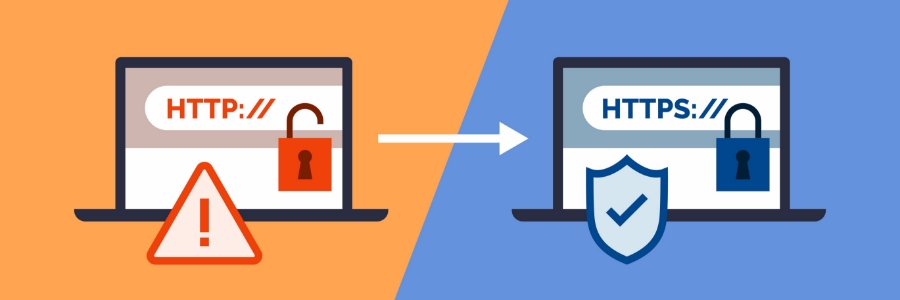
If you've never thought about how safe your information is while browsing the web, then it's time to start thinking about it. One of the best ways to ensure your safety is by visiting sites that use HTTPS, a protocol that helps keep your data secure when you're online.
How do sites with HTTPS make web browsing secure?
If you shop online like many people, you need to make sure that the site’s payment page has HTTPS in its URL. Otherwise, entering your personal and financial information on this page can expose you to risks such as identity theft. Read on to find out why HTTPS makes for a safer online browsing experience.
Improve internet security with these easy tips

With over four billion internet users around the globe totaling roughly 59% of the population, the internet is rife with opportunities for hackers to steal users’ information. And with technology constantly evolving and the internet growing, it’s not likely to get safer anytime soon.
Make site visitors feel secure with these tips

When customers visit and use your website, engender feelings of trust and security instead of alarm and distrust. Easily improve feelings of internet security with these three tips.
Understanding HTTPS
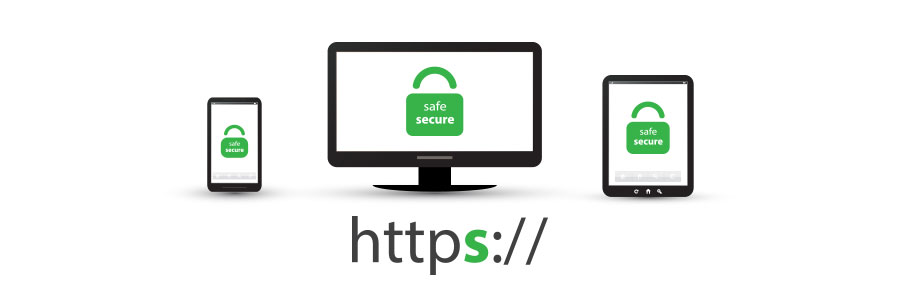
Are you an avid online shopper? Have you noticed if each payment page has HTTPS in its URL lead-up? If you’re not absolutely sure, you might be a prime target for identity theft. Here's why you should make sure that the websites you browse for shopping have a little padlock icon on them in the URL bar.
5 Easy tips for preventing data breaches
Keeping your personal and professional information safe from cybercriminals is not easy. It takes constant vigilance and frequent training. There are dozens of simple tools and tips to help people with almost zero expertise stay safe online, but these five are our favorites.
Chrome: From HTTP to HTTPS
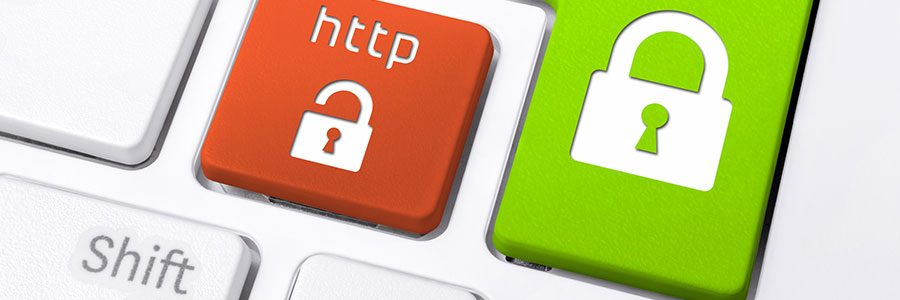
Within the last year, Chrome has helped users understand that HTTP sites are not secure. More websites use HTTPS, a safer protocol, than ever before. So, how can you benefit from this transition? Find out here.
For several years, Google has moved toward a more secure web by strongly advocating that sites adopt the Secure HyperText Transfer Protocol (HTTPS) encryption.
Safe web browsing requires HTTPS
How many times this month have you paid for something online using your credit card? Was each payment page secured by HTTPS? If you’re not 100% certain, you’re a prime target for identity theft. The padlock icon in your web browser’s address bar is immensely important and it requires your attention.
- 1
- 2