


The IT hardware issues your business experienced in previous years should, ideally, be a thing of the past. Although some minor issues may remain, they can be avoided by taking care of your computer hardware. The following checklist can help you better manage your hardware.
Small company IT hardware checklist
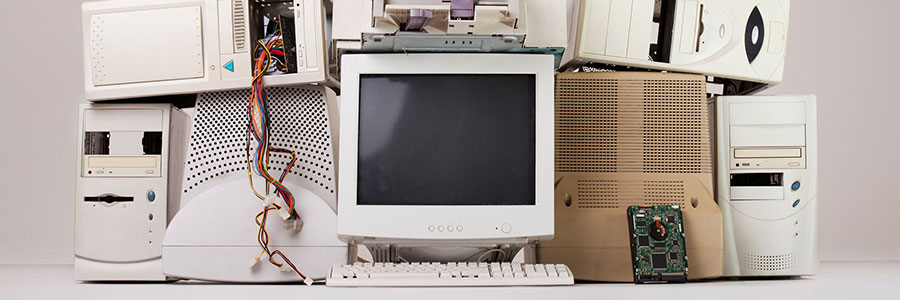
Stretch your laptop’s battery life

More people use laptops to do work on the go, making long battery life a major priority. Wouldn't it be great if you could stretch and optimize the life of your laptop battery? These useful tips will make sure that your laptop's battery will last longer.
PC makers struggle to meet demand
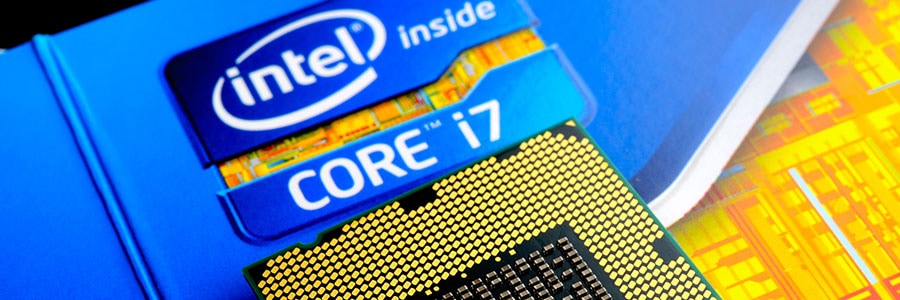
Top PC makers are becoming more concerned as Intel CPU shortages continue to persist. According to several reports, Intel has struggled to keep up with the rising demand for high-performance computer chips, which will affect millions of businesses. Here’s a quick rundown on the Intel PC shortage.
Decrease printing costs in 5 easy ways

You may think that your printing infrastructure is only a minimal company expense. But if it is not managed well, you may end up with a bloated IT budget that mostly comprises of hardware and supplies purchases and equipment maintenance costs. Your business can save money and time by following these 5 tips.
Save money with thin and zero clients

Businesses are always looking for ways to save a bundle without sacrificing growth. For a while, they believed that they had to buy workstations with their own processing power, RAM, and hard drive. But thanks to virtualization, companies can increase their revenue and get the computing processes they need with thin and zero clients.
Ways to safeguard your IoT devices

Your Internet of Things (IoT) devices — smart TVs, security cameras, smart locks — add a level of convenience to your workplace, but they also make your systems more vulnerable to cyberattacks. That’s because they’re essentially potential entry points for hackers.
What’s better, virtualization or the cloud?

You’ve probably heard of cloud computing, but what about virtualization? Both are invaluable for small businesses, but it’s easy to mix them up. Learning the differences between these technologies can save you a lot of money, so let’s do a quick recap of how they work.
Obsolete firmware poses security risks
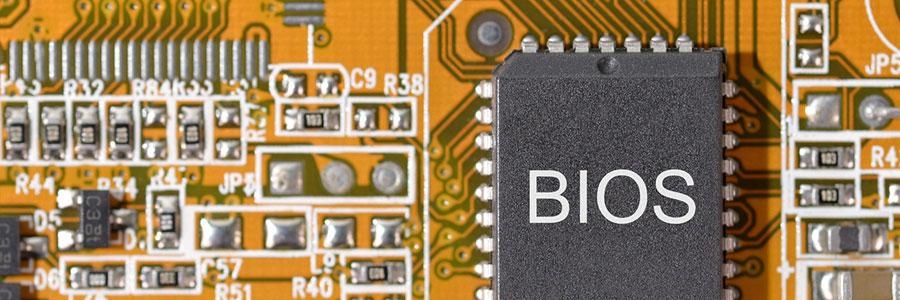
Are you still using that old computer that is not-so gracefully aging and devaluing? Maybe you are running important programs on older machines with old operating systems since they “still work fine.” While it might still help you get the job done, there may be hidden security risks that can lead to major problems later on.
Business computers: things to look for

When it comes to business computers, you can't mess around. The wrong choice of hardware can pile up costs for any small- and medium-sized business (SMB). You don't need unnecessary repairs, incompatible systems, and data breaches slowing operations down or draining resources.
3 Tips for buying the right mouse

Have you been using the same mouse for several years now? If you’re feeling discomfort in your mouse clicking hand, then it’s probably time to consider an upgrade. The perfect mouse lets you work efficiently, easily, and safely. So the next time you’re in the market for new mouse, keep these tips in mind.