


As viruses, ransomware, and spyware become more dangerous these days, it’s more important than ever to have powerful antivirus protection. When choosing the right antivirus program for your computer, however, there are many things you should consider.
Shopping for antivirus software? Consider the following points

The benefits of BYOD and CYOD

More and more organizations today are seeing the value in implementing bring your own device (BYOD) and choose your own device (CYOD) policies. Aside from increased efficiency and productivity, there are plenty of other benefits that businesses across industries can get from both strategies.
Top website design trends you should use for your business site
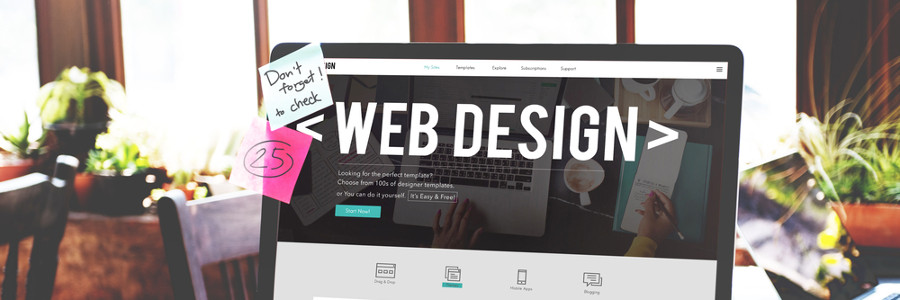
Website design has gone a long way through the years, with many attractive and useful trends becoming fairly ubiquitous and almost “invisible”. Here are some of the newer trends that can help improve brand visibility and customer reach by making website content easy to digest and websites fun to browse.
What companies tend to get wrong about business continuity

Every business owner knows that having a business continuity plan (BCP) is crucial to surviving any disaster. However, some still tend to overlook certain aspects of a BCP strategy, causing the plan to go up in flames. Ensure a solid BCP by knowing these five critical mistakes to avoid.
Windows 10 privacy settings you should adjust right now

Default privacy settings on devices usually aren’t very private. Even Windows 10 devices are initially configured to collect information about users, like how and where they use their devices as well as what type of content and data they access. Fortunately, there are ways to lock down your privacy in Windows 10 — just follow these tips.
HIPAA calls for careful social media behavior

Healthcare providers that use social media platforms like Facebook and Twitter can interact with their patients, advertise new services, and communicate urgent announcements. Even though there’s immense potential for social media to improve healthcare, it can also expose patient-specific information when used irresponsibly.
How to strengthen your BYOD security
Many businesses are adopting bring your own device (BYOD) policies as more employees work from home. The problem is, if you’re not careful, BYOD can expose your company to major cybersecurity risks, including the following.
Loss or theft of devices – Employees often bring their personal devices wherever they go.
Save on electricity with these PC tips

When it comes to saving energy, every little effort goes a long way. The more energy-efficient your PC is, the more money you save. In fact, you can save up to $50 a year if you activate your PC’s power-saving feature. Further increase your savings by following these tips:
1. Unplug your computer when not in use
When you’re not using your computer, it’s best to shut it down and unplug it.
How do sites with HTTPS make web browsing secure?
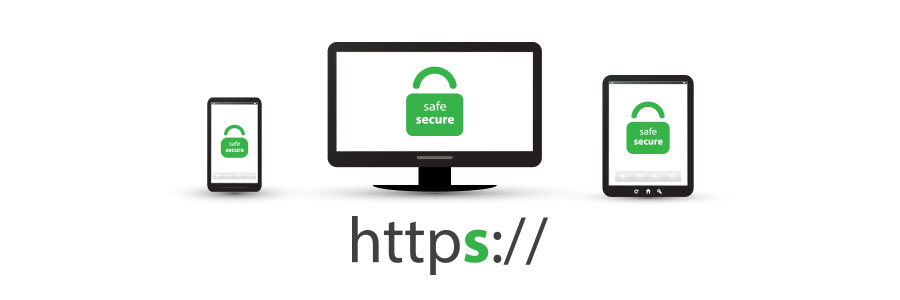
If you shop online like many people, you need to make sure that the site’s payment page has HTTPS in its URL. Otherwise, entering your personal and financial information on this page can expose you to risks such as identity theft. Read on to find out why HTTPS makes for a safer online browsing experience.
Protecting your data from hurricanes

Hurricanes damage property and put lives at risk. If you’re not prepared, hurricanes can also disrupt your operations and put your business through extended downtime. In this blog, we'll help you quickly regain access to your data and get your business back to operational mode after a disaster.